


The Madrasati platform is the Ministry of Education’s online learning system, and for any family with a child in a Saudi government school it is where homework, exams, virtual lessons and attendance reports live. In October 2026 it became the classroom itself for weeks at a time, when every school in Riyadh and Diriyah moved to remote learning.
Many expat parents only discover Madrasati on the evening a remote-learning notice arrives, with no idea where their child’s username is. This guide explains who uses it, how accounts are created, how students and parents log in, what to do when a password does not work, and how to be ready for the next switch to remote study.
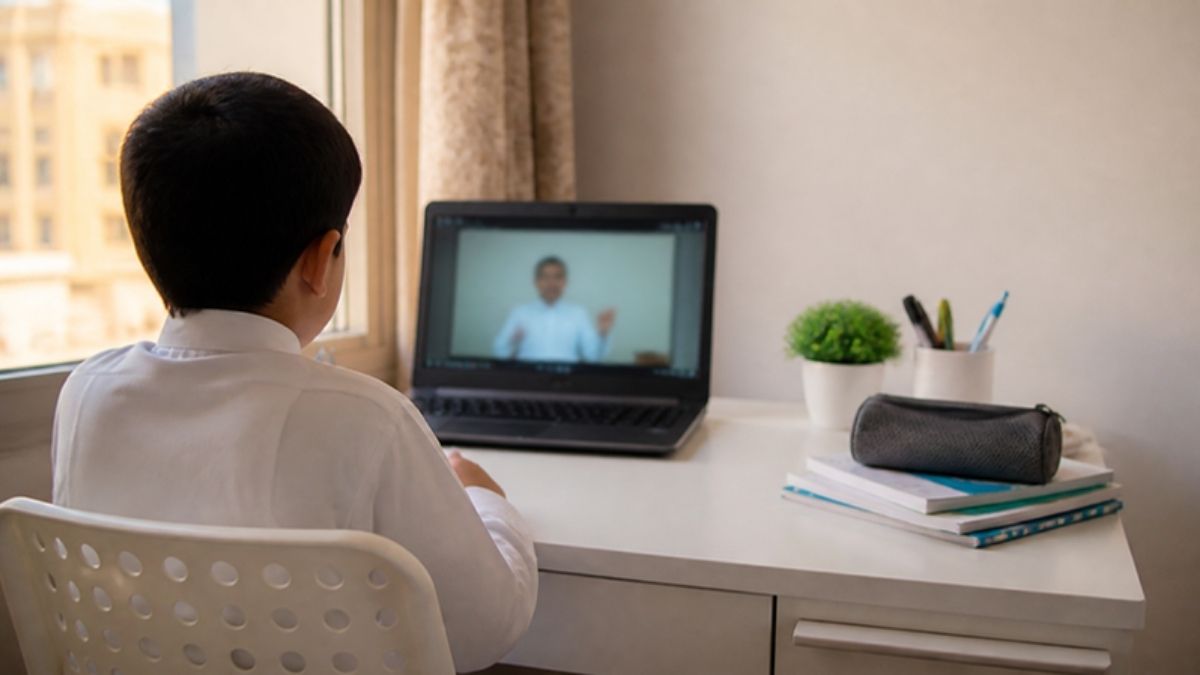
What the Madrasati platform is
Madrasati (Arabic for “my school”) is the Ministry of Education’s official e-learning platform for general education, available at schools.madrasati.sa and as a mobile app. It was launched in 2020 and expanded during the COVID-19 period, and the Ministry says more than 6 million students use it.
Inside the platform, students and parents can find:
- Homework, split into lesson homework, homework sent by the teacher, and virtual lesson homework.
- Exams set by teachers, plus central exams from the Ministry when they are scheduled.
- Digital textbooks, activities and revision material.
- Attendance and performance reports, including absence records and academic level.
- Teacher contact, so students can send questions to their teachers.
- Virtual classes when schools move to remote learning.
The service is free. It works in a browser and through the Madrasati app on Google Play, the App Store and AppGallery.
Follow Saudi Life Guide for Iqama, visa and job updates
New rules, fees and news as soon as we publish them. Join 83,500+ followers on Facebook.
Who uses Madrasati, and does it apply to expat children?
Madrasati is used by government schools and by private schools that follow the Ministry of Education system, so it applies to expat children enrolled in those schools. If your child attends an international school, the school usually runs its own learning platform; ask the school office which one applies.
Non-Saudi students can study in government and private schools with valid legal residency, according to the Ministry of Education admission rules. In government schools, places for non-Saudi children are limited to 15% across the three stages, and seats go first to Saudi students, then to children of government-sector contract staff, then to private-sector families. Previous certificates must be attested.
Once a child is accepted and registered in the Noor system, the Madrasati account follows automatically. For the wider choice between local and international schooling, see our guide to the best international schools in Saudi Arabia.
How a Madrasati account is created
You do not register for Madrasati yourself. The Ministry creates the student account automatically at the start of each school year, as long as the child is registered in Noor, and sends the login details to the parent’s Tawakkalna account.
- Enrolment in Noor. The school registers your child in Noor, the Ministry’s student records system.
- SMS confirmation. The parent receives a text message saying accounts have been created for the children linked to them.
- Credentials in Tawakkalna. The parent opens Tawakkalna, goes to the education services, and finds each child’s username and password.
For expat families, this is where things usually stall. The child must be linked to the parent’s record, and the parent needs an active Tawakkalna account tied to a valid iqama. If your iqama was recently renewed, check your iqama expiry date on Absher first, because an expired record can cause problems with linked services.
Madrasati login steps for students
Students log in to the Madrasati platform with their school Microsoft education account, the username and password that appear in the parent’s Tawakkalna. The steps are the same on a laptop or tablet.
- Open schools.madrasati.sa in a browser, or open the Madrasati app.
- Tap Sign In and choose the student option.
- Enter the Microsoft education username and password from Tawakkalna.
- Open the timetable, choose the lesson, and tap Join for a virtual class.
- Use the homework, exams and reports sections from the main menu.
Type the address yourself rather than following links forwarded in WhatsApp groups. Fake login pages do circulate during remote-learning weeks, and the official domain is madrasati.sa.
Madrasati login for parents
Parents use a separate parent entry, signing in through Nafath (the unified national access) or Noor details depending on the service. The parent account lets you follow your child’s homework, results and attendance without using the child’s password.
In practice, many expat parents simply use the child’s account on the family laptop during remote weeks. That works, but a parent login is worth setting up as well: it shows absence records and teacher messages the child may not mention at dinner.
Madrasati app or browser: which works better?
Both give the same account and the same lessons, so choose by device. The Madrasati app suits phones and tablets for younger grades, while a laptop browser is easier for older students who type assignments and keep several tabs open.
- App: quicker to open each morning and handy for checking homework on the move. Install it only from Google Play, the App Store or AppGallery.
- Browser: better for long live lessons, uploading files and reading digital textbooks on a bigger screen. A current version of Chrome, Edge or Safari is enough.
- Both: sign out on shared family devices, so one child’s homework does not end up submitted from a sibling’s account.
When schools switch to remote learning on Madrasati
Remote learning is announced by the regional education department, usually on its official X account, and lessons then run “through Madrasati and other approved platforms”. Recent examples show it can happen for weather, security or planned trials.
| When | Where | Reason given |
|---|---|---|
| 19 April 2026 | Dawadmi, Zulfi, Majmaah, Ghat, Shaqra and Afif (Riyadh region) | Weather reports from the National Center of Meteorology |
| 27 September to 1 October 2026 | Riyadh | Precautionary measures |
| 11 October to 22 October 2026 | All schools in Riyadh city and Diriyah | Continued precautionary measures |
| Planned, up to 10 days | Makkah, Eastern Province, Tabuk and Najran | Ministry remote-learning trial |
The Saudi Press Agency carries these notices, and the Ministry’s planned trial is covered in our report on Saudi schools switching to remote learning for up to 10 days. Notices often arrive late in the evening for the next morning, so having the login ready in advance saves a stressful start.
Forgot your Madrasati password? How to fix login problems
Most Madrasati login problems come from a wrong account type, an old password, or credentials that were never collected from Tawakkalna. Work through these in order.
- Check the account type. Students, parents and teachers sign in through different options on the login page.
- Use password recovery. The login page has a recovery option for forgotten passwords.
- Retrieve details again from Tawakkalna. The education services in Tawakkalna show the child’s account data.
- Ask the school. If the child does not appear in Tawakkalna, the Noor registration is usually incomplete. The school administration can fix it.
- Contact the Ministry. Call the beneficiary care centre on 19996, or email support@moe.gov.sa.
Practical tips for expat families
Based on real expat experience in KSA, the families who cope best with sudden remote weeks are the ones who tested the login on a normal school day. A few habits help:
- Save the credentials somewhere safe the first week of term, not on the night of an announcement.
- One device per child. Two children in live lessons at the same time on one laptop does not work. A tablet with the app is enough for younger grades.
- Check your data plan. Several hours of video lessons a day for two or three children uses a lot of mobile data if you rely on a router SIM.
- Follow your education department on X. Riyadh, Makkah and Eastern Province departments post the decisions there first.
- Turn on official alerts. Weather and safety warnings often come before a remote-learning decision. Our guide to the National Early Warning Platform explains what each phone alert means.
- Keep the school WhatsApp group in perspective. Use it for class news, but confirm remote-learning decisions from the official account.
Common mistakes to avoid
- Waiting for an SMS that never comes. If the child is not linked to you in the system, there is no message. Ask the school to confirm the Noor registration.
- Using the parent login for classes. Virtual lessons need the student’s own Microsoft education account.
- Clicking forwarded login links. Always type schools.madrasati.sa or use the official app.
- Assuming international schools use Madrasati. Many run their own systems, so check with the school.
- Letting the iqama lapse. Linked government apps such as Tawakkalna can stop working properly when the parent’s residency record has expired.
Frequently asked questions
How do I get my child’s Madrasati username and password?
Your child’s Madrasati username and password are sent to your Tawakkalna account once the school registers your child in Noor. Open Tawakkalna, go to the education services, and you will see the login details for each linked child. You should also receive a text message when the accounts are created at the start of the school year.
Can expat children use the Madrasati platform?
Yes, expat children can use the Madrasati platform if they study in a Saudi government school or a private school that follows the Ministry of Education system. Their account is created automatically once they are registered in Noor. Children at international schools usually use their own school’s learning system instead.
Is the Madrasati platform free?
Yes, the Madrasati platform is free for students and parents. The Ministry of Education creates the accounts automatically and there is no subscription or registration fee. You only need a device, an internet connection and the login details from Tawakkalna, and the app is available on Google Play, the App Store and AppGallery.
What should I do if my child cannot log in to Madrasati?
If your child cannot log in to Madrasati, first check that you chose the student option and entered the Microsoft education account details exactly. Try the password recovery link on the login page, then retrieve the details again from Tawakkalna. If the problem continues, contact the school or call the Ministry of Education on 19996.
Who decides when schools switch to Madrasati remote learning?
The regional education department decides when schools in its area switch to remote learning on Madrasati, often based on weather or safety advice. For example, the Riyadh Education General Administration moved all Riyadh and Diriyah schools online in October 2026. Decisions are posted on the department’s official X account and reported by the Saudi Press Agency.
Key takeaways
- The Madrasati platform is the Ministry of Education’s free online learning system for government and Ministry-system private schools.
- Accounts are created automatically for students registered in Noor, and login details appear in the parent’s Tawakkalna.
- Students sign in with a Microsoft education account; parents use Nafath or Noor details.
- Expat children in these schools use Madrasati too; international schools usually have their own systems.
- Remote-learning decisions come from regional education departments and can be announced the night before.
- For help, use password recovery, Tawakkalna, the school, or the Ministry on 19996.
Last updated: 29 October 2026. Platform features and login options can change; check the latest guidance from the Ministry of Education and your child’s school.