



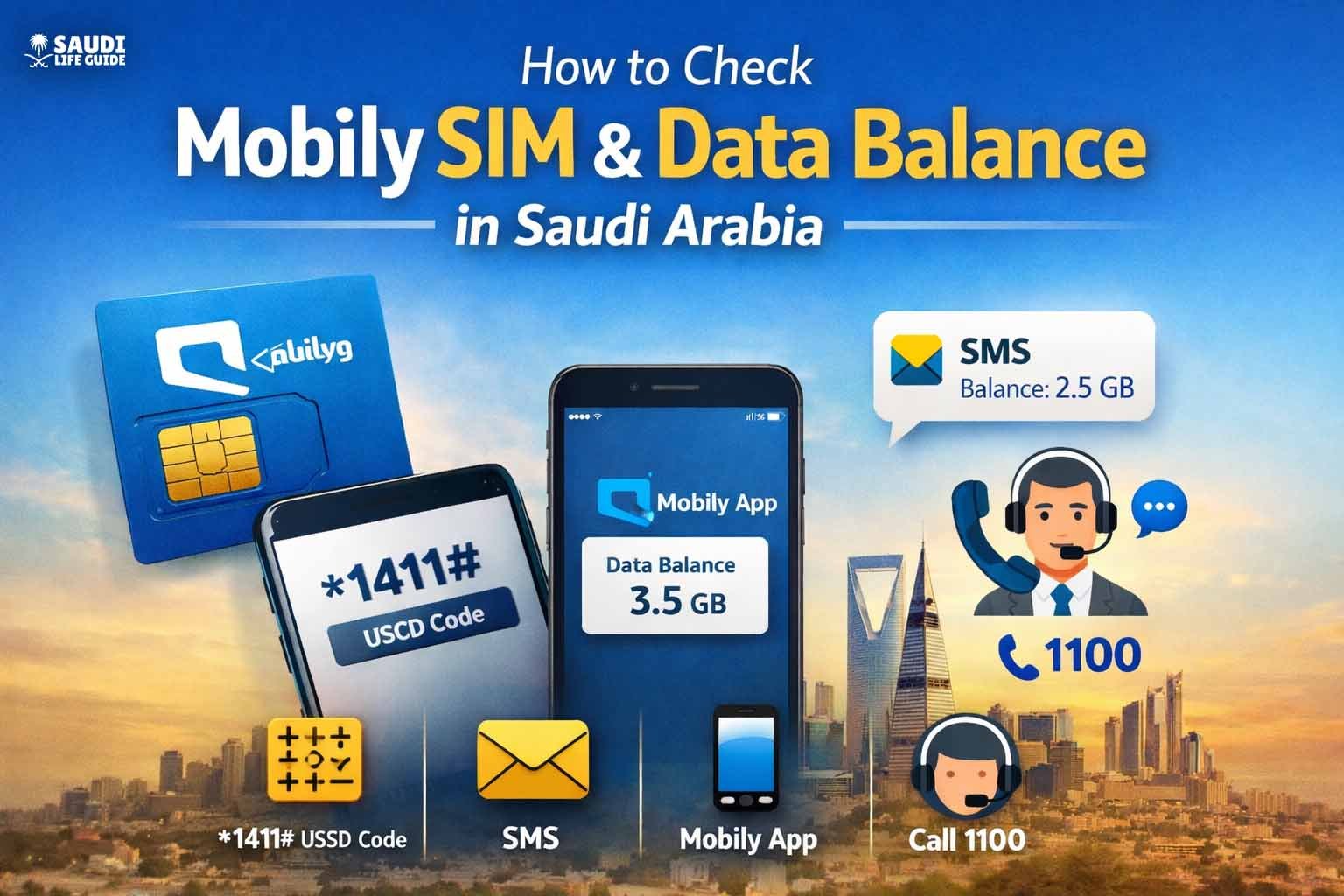
Understanding how to Check Mobily SIM & Data Balance is essential for staying connected in Saudi Arabia. Whether you’re a prepaid or postpaid user, frequent traveler, or someone who uses mobile data every day for work, social media, banking, navigation, or streaming knowing your balance helps avoid down‑time.
Why Checking Your Mobily Balance Matters
Staying aware of your Mobily balance in Saudi Arabia isn’t just a convenience it’s a necessity:
- Unexpected depletion of data can interrupt work, banking, or travel apps.
- Running out of credit mid‑call can lose important opportunities.
- Data usage monitoring helps you avoid overages and unexpected charges.
- Prevent service suspension due to expired balance or exceeded limits.
With millions of Mobily users in Saudi Arabia relying on mobile internet daily, these simple checks save time and frustration.
Quick Summary – All Methods at a Glance
Here’s a quick cheat‑sheet you can scroll back to anytime:
| Action | Method | Works for |
|---|---|---|
| Check SIM / main balance | Dial *1411# | Prepaid & Postpaid |
| Check Internet/data balance | Dial 14112# or 14111# | Prepaid & Postpaid |
| Check via SMS | Send “1” to 1442 or 1411 | Prepaid & Postpaid |
| Check via App | Use Mobily app | All users |
| Customer Support | Call 1100 | All users |
| Recharge | Dial 1400Recharge Code# | Prepaid users |
Method 1: Use USSD Codes (Fast & Offline)
USSD codes are the most commonly used way to check balances because they work without internet and work instantly.
Check Your Main Balance
Dial this on your Mobily phone:
*1411#
The network will instantly show you your remaining credit balance.
Check Your Internet/Data Balance
Depending on your SIM type and package, use:
*1411*2#
This will display your remaining data (MB/GB) on screen. Many users also report 14111# working for data balance in some plans.
Check Free Minutes or Extras
To see free minutes (if part of your plan):
*1422#
This is useful if your monthly plan includes free calls.
Why USSD is useful
- No internet required.
- Works on basic phones.
- Quick response in seconds.
- Works 24/7 without logging in.
Method 2: Check Balance via SMS
If USSD is not convenient, you can check your Mobily balance using SMS.
Main & Data Balance SMS
- Send:
1 - To:
1442
You’ll get a response showing your remaining internet data balance. This method is especially helpful when the USSD response isn’t displaying accurate internet details or when you’re offline.
Some older guides also mention sending 1 to 1411 to check some balances, especially on postpaid lines.
Method 3: Use the Official Mobily App
The Mobily app gives the most detailed view of your entire account including data usage, balance, expiry, plans, and payments.
How to Use It
- Download Mobily from the App Store (iOS) or Google Play (Android).
- Open the app.
- Log in with your Mobily number and password.
- Go to the Dashboard or “My Balance”.
Inside the app you can:
- See credit balance, data usage, minutes used, and remaining limits.
- View past usage history.
- Recharge directly from the dashboard.
- Buy or renew packages.
- Manage add‑ons and roaming.
Benefits of the App
- Visual usage charts.
- Manage multiple lines from one screen.
- Notifications for low balance.
- Packages recommendations and offers.
This is the best option for users who want full transparency and control of their SIM usage.
Method 4: Customer Support Helpline
If you prefer speaking with a representative or automated voice, Mobily provides support:
- Dial 1100 from your Mobily phone.
- Follow the IVR (press 2 for balance details).
- For calls outside Saudi Arabia: +966 56 010 1100.
This can be especially helpful if you have queries about package details or special promotions.
Table: Comparison of Balance Check Methods
| Feature | USSD Code | SMS | Mobily App | Customer Support |
|---|---|---|---|---|
| No Internet Required | Yes | Yes | No | Yes |
| Shows Data Balance | Yes | Yes | Yes | Yes |
| Shows Minutes & Extras | Limited | Limited | Yes | Yes |
| Recharge Option | No | No | Yes | Yes |
| Usage History | No | No | Yes | Yes |
How to Check Your Specific Mobily Package Details
Different plans and packages have slightly different ways to check balance:
Prepaid lines
- Use *1411# or 14112# for data.
- Send SMS to 1442.
Postpaid lines
- Some codes like sending SMS “1” to 1411 give full info for postpaid.
The Mobily app shows package names and validity periods in detail.
Expert Tips to Manage Mobily Balance
- Set Alert Notifications in App: Mobily app can alert you when your data or credit is low avoid sudden outages.
- Check Regularly: Especially if you use daily data for navigation, streaming, or work.
- Recharge Smartly: Use USSD or the app to recharge on the go.
- Use Wi‑Fi where possible: To save your mobile data for essential usage.
- Enable Daily or Weekly Data Alerts: If your plan supports it.
FAQs
Q: What is the code for checking my Mobily main balance?
A: Dial *1411# on your Mobily phone.
Q: Can I check data balance without the internet?
A: Yes USSD codes and SMS don’t require internet.
Q: Is the Mobily app free on the network?
A: Yes many users report that the app doesn’t consume data when used inside Saudi Arabia on a Mobily SIM.
Q: How do I recharge my SIM?
A: Use *1400*RechargeCode# or the app.
Q: What if balance doesn’t show?
A: Restart your device or try the app/SMS method. Contact support if needed.
Conclusion
Knowing how to check your Mobily SIM balance and data balance in Saudi Arabia is quick and easy with USSD codes, SMS, the official app, or by calling customer service. Whether you’re using prepaid or postpaid, basic methods like dialing *1411# or sending SMS to 1442 work instantly without internet.
For those who want full details including usage history, package plans, and add‑ons the Mobily app is the best option. Keeping track of your balance helps you manage data smartly and avoid service interruption.
Stay connected with confidence whether for work, travel, or daily life in the Kingdom.
